By product type
Match your app to the catalog
Each card lists a recommended composition root (fastest path), individual screens, and Foundation primitives you will use everywhere.
Consumer / social app
Feed, stories, explore, profiles, notifications — the patterns every social product needs without rebuilding chrome.
Start here
Theme Aurora or Sage
DFSocialAppShell · DFSocialFeedScreen · DFProfileHeaderBlock
Theme Aurora or Sage
SaaS / productivity
Split navigation, dense settings, auth blocks, validated forms, empty and loading states — ship a credible v1 fast.
Start here
Theme Slate or workspace
DFAdaptiveShell · DFSettingsRootView · DFSignInBlock
Theme Slate or workspace
AI / chat product
Thread UI, composer, model picker, compare mode, settings sheet — conversation patterns that usually take weeks.
Start here
Theme Aurora or custom
DFAIChatRootView · DFAIChatThreadScreen · AIChatDesignKit
Theme Aurora or custom
Docs / notes app
Three-column browse, folder sidebar, editor column, search — Notes / Bear / Notion-style layout on all platforms.
Start here
Theme Copper or Sage
DFDocumentsRootView · DFThreeColumnShell · DocumentsDesignKit
Theme Copper or Sage
Store / marketplace
Seller ops or storefront dashboards — products, orders, revenue charts, order detail timelines.
Start here
Theme Copper or Slate
DFEcommerceRootView · DFEcommerceOrdersScreen · DFBarChartBlock
Theme Copper or Slate
Analytics / data product
KPI overview, revenue trends, user acquisition, live event tables — real Swift Charts, not placeholder mockups.
Start here
Theme Slate + workspace density
DFAnalyticsRootView · DFLineChartBlock · DFDataTable
Theme Slate + workspace density
Indie app + onboarding
Welcome → auth → OTP → permissions → plan selection → success. Ten screens, one flow, fully themed.
Start here
Theme Any preset — swap in one line
DFOnboardingFlow · DFWelcomeBlock · DFPlanSelectionBlock
Theme Any preset — swap in one line
Project / task management
Command center home, kanban board, list view, timeline, team roster, task detail — team product reference.
Start here
Theme Slate workspace
DFPMRootView · DFPMBoardScreen · PMDesignKit
Theme Slate workspace
Settings & account (any app)
Every app needs account, security, billing, notifications, team, and danger zone — drop in six screens or the unified root.
Start here
Free + Pro validation via Foundation
DFSettingsRootView · DFSettingsSecurityScreen · DFFormState
Free + Pro validation via Foundation
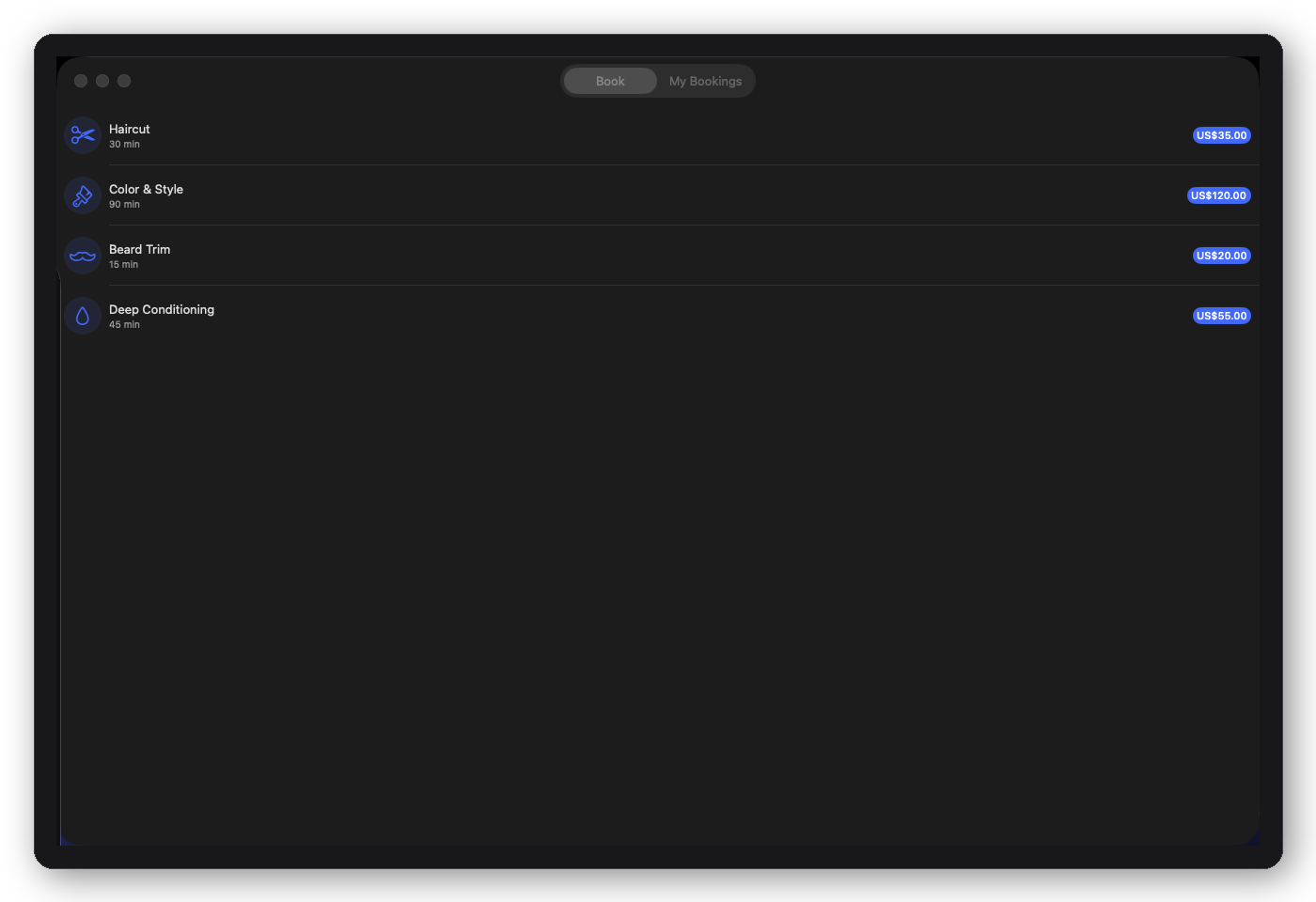
Booking & appointments
Service selection, schedule picker, confirmation, and my-bookings — the flow every appointment-based business needs, from salons and clinics to consultants, fitness studios, and home services.
Start here
Theme Sage or Copper
DFBookingRootView · DFRadioPickerView · DFCalendarView
Theme Sage or Copper
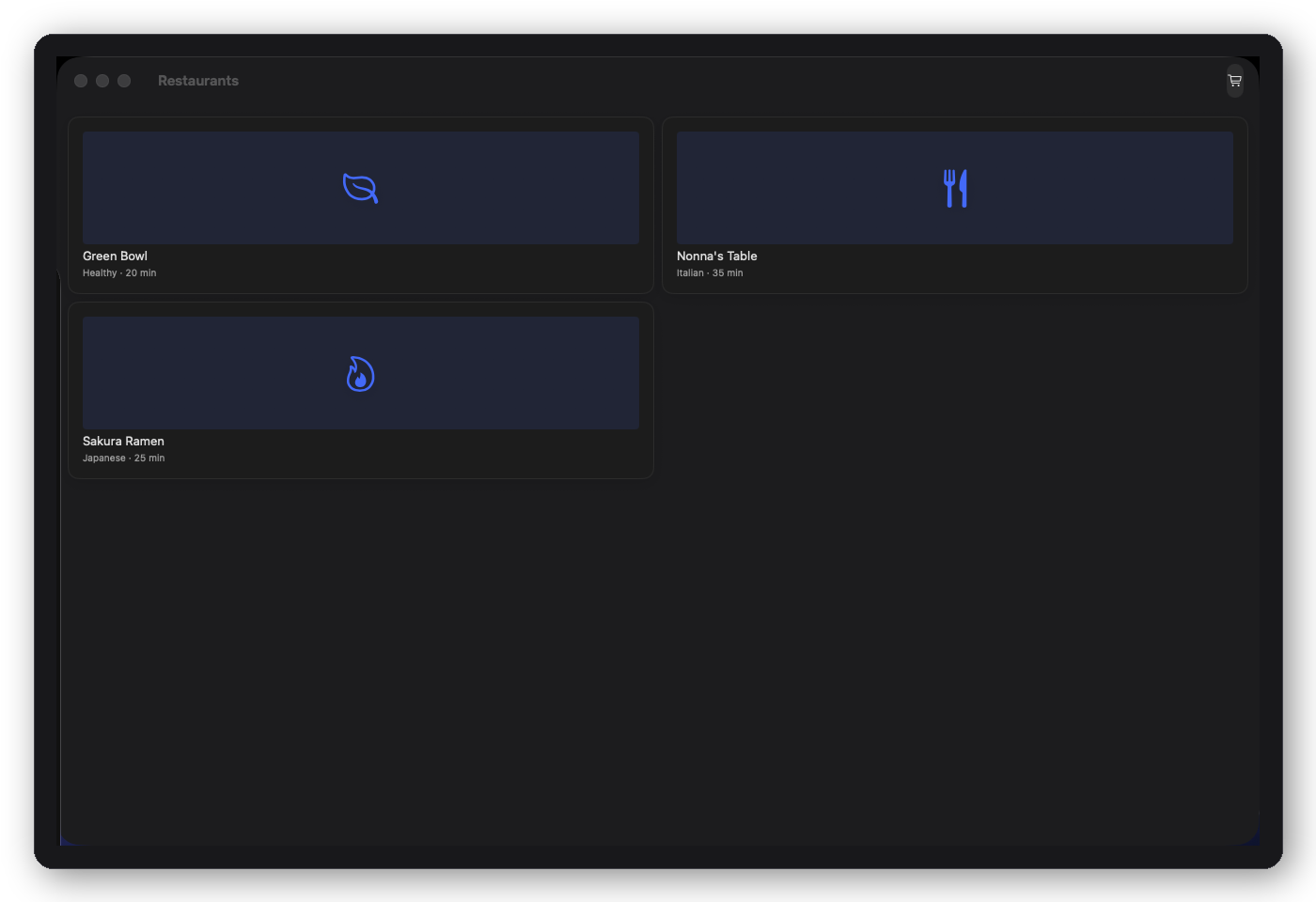
Food & restaurant ordering
Restaurant home, menu browsing, item detail with modifiers — ready for restaurant apps, food delivery, and ghost kitchens that need to ship an ordering flow, not design one.
Start here
Theme Copper or Garnet
DFFoodRootView · DFQuantityStepper · DFPriceSummaryView
Theme Copper or Garnet
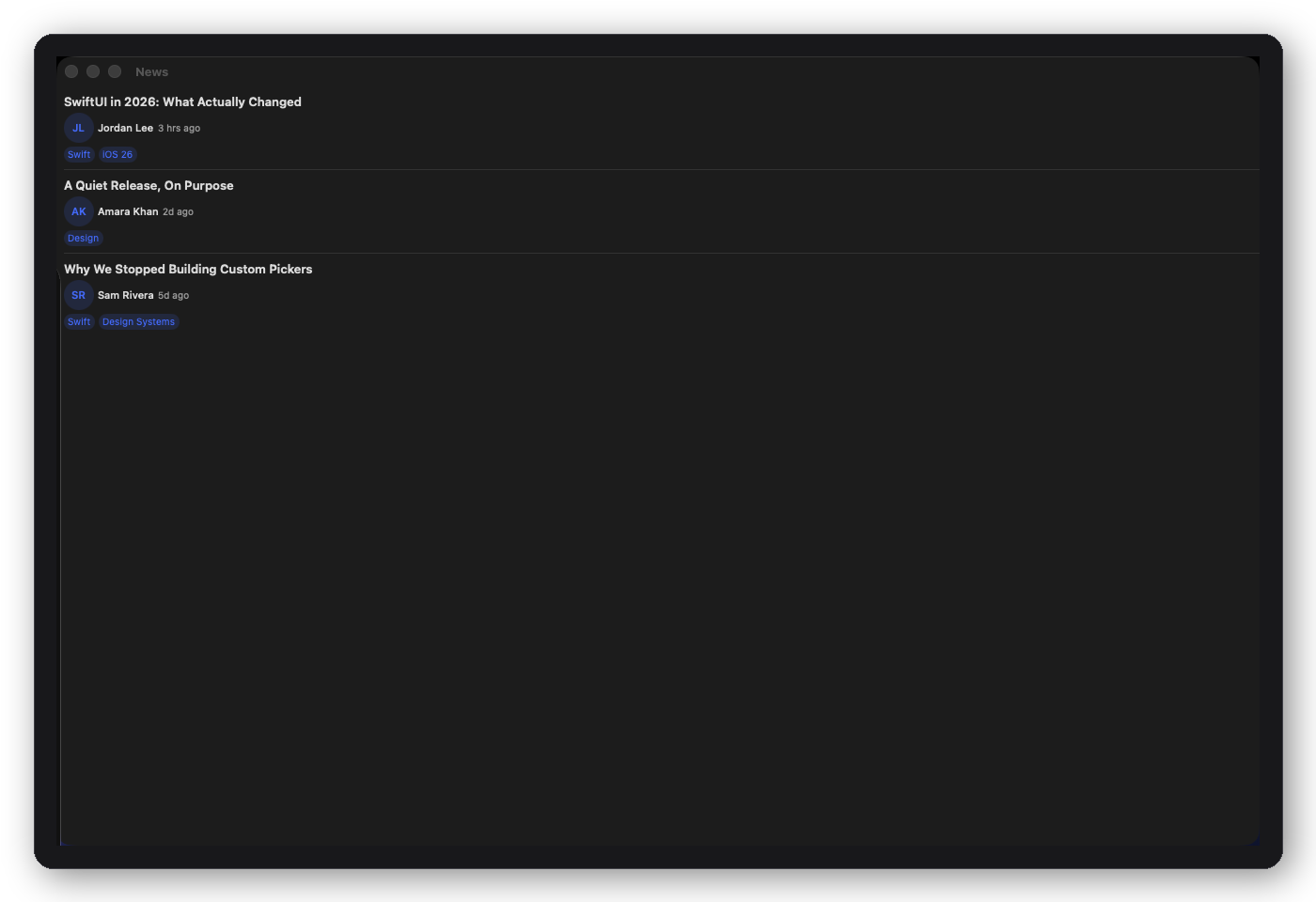
News & content publishing
Article list and article detail, built on the free package's content primitives — bylines, relative timestamps, and tags out of the box. Fits publishers, blogs, newsletters, and media apps.
Start here
Free primitives
DFNewsRootView · DFArticleRow · DFAuthorView
Free primitives
DFMetadataRow · DFInlineTagView · DFRelativeTimeTag
Internal tools & ops apps
Data-heavy rosters, bulk actions, inline edit, and dense dashboards are first-class — not the whole product identity. Teams building admin consoles reach for DFDataTable, DFDataGrid (contacts list ↔ grid toggle), CRM and Analytics composition roots, and workspace density. See the CRM and Analytics cards above, or start from the Integration Guide.
Ready to integrate?
Follow the five-step workflow, or see The Foundation Way — old SwiftUI vs Foundation side-by-side with line counts and token estimates.